OpenClaw Starter Kit
Get a secure, sandboxed AI agent running in under 5 minutes
What's Inside the Kit
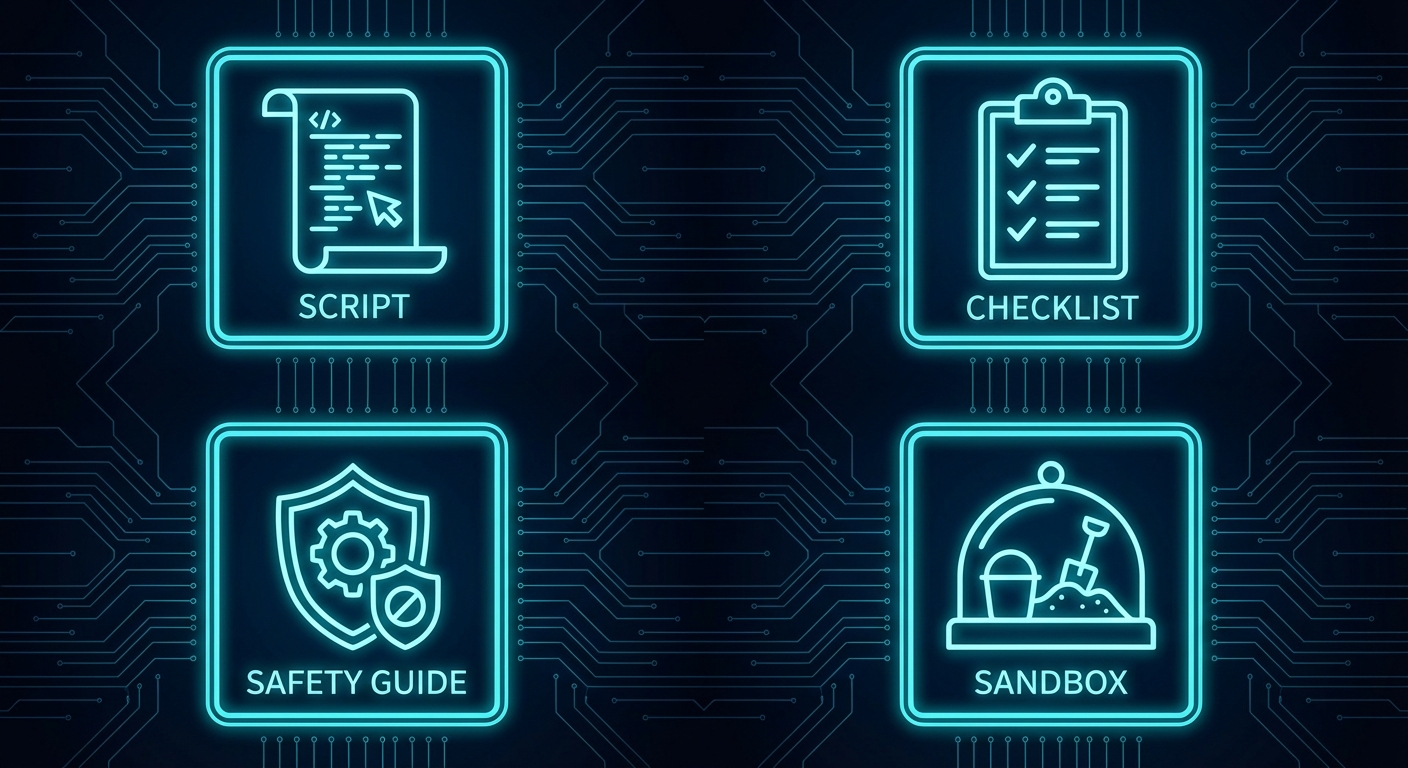
One-Command Setup Script
Works on macOS and Linux. Windows users can use WSL2. Checks prerequisites and pulls everything automatically.
NemoClaw Docker Sandbox
Pre-configured OpenShell container. Your agent runs in isolation — it cannot touch your host system without explicit permission.
Quick-Start Checklist
A printable checklist covering every step from install to running your first agent. Print it, check it, done.
Safety Guide
Best practices for running agentic AI safely. Least privilege, sandboxing, API key hygiene, and what to do when something goes wrong.
Who Is This For?
💻 Developers
You want to spin up a local agent without configuring a full dev environment. One script, one container, ready to go.
⚙ Builders
You're integrating AI agents into a workflow and need a reproducible sandbox that runs the same way every time.
🛡 Security-Conscious AI Enthusiasts
You're aware that agents can be dangerous if misconfigured. You want the safety guide and sandboxed execution built in from day one.
🌐 Curious Operators
You've heard about agentic AI and want a safe, low-friction way to try it without committing to a hosted service or complex setup.
How It Works
Download the Kit
Enter your email and we'll send you the starter kit download link instantly.
Run the Setup Script
One command. The script checks your system, pulls the NemoClaw image, and spins up a sandboxed container. Takes about 2 minutes.
Give Your Agent a Task
Run openclaw run --name my-first-agent and chat with your agent. It runs in the sandbox, safe from your host system.
Includes the setup script, checklist, and safety guide.
Downloadable Files
openclaw-starter.sh
openclaw-checklist.txt
openclaw-safety-guide.txt
Built for the OpenClaw Ecosystem
Used by developers and builders in the OpenClaw community.